Connect channel
Choose the YouTube channel that supplies your source videos.

Give your long-form videos a second cut. Explore how a single upload can become a series of captioned, vertical clips.
See how it works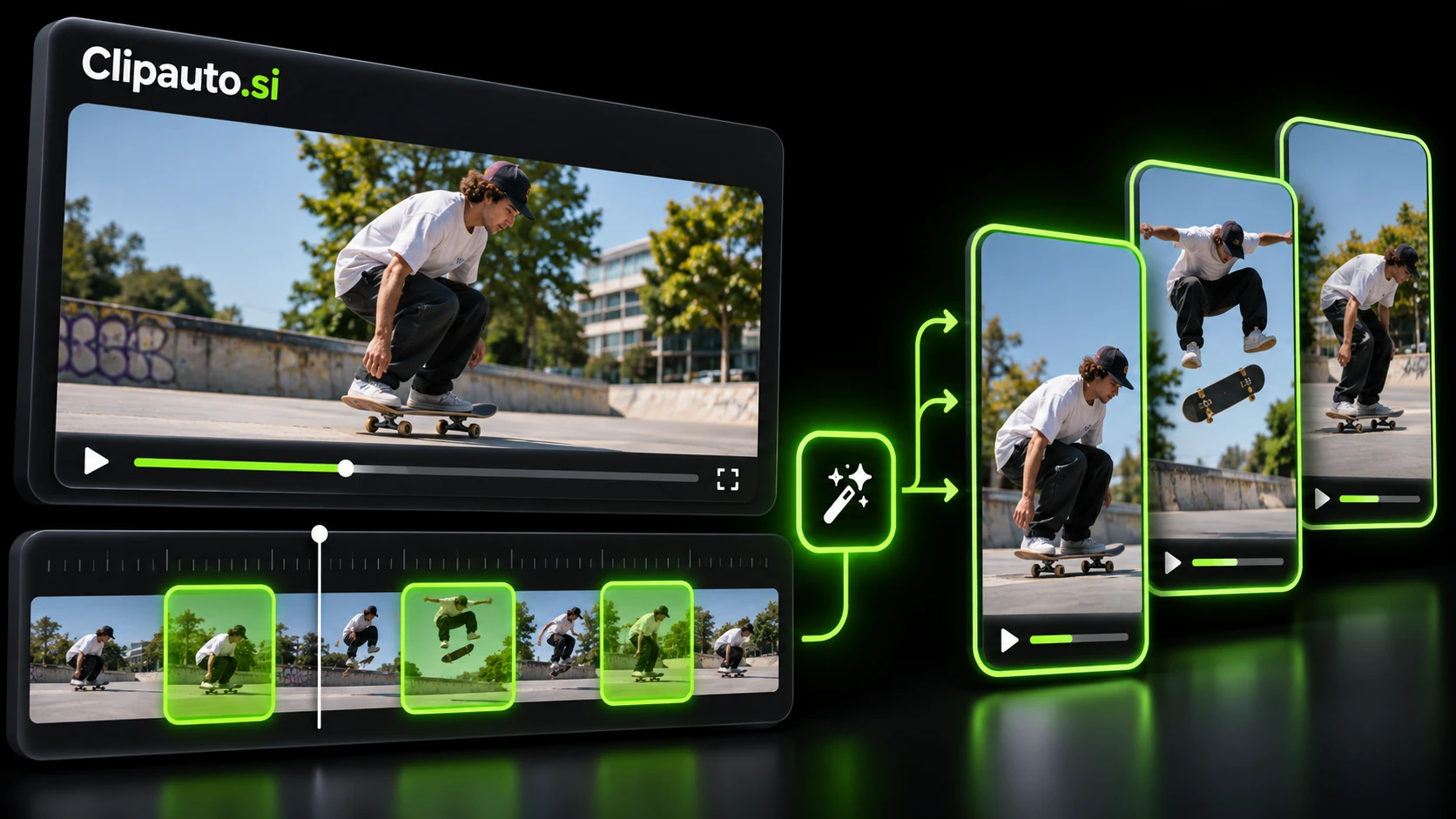
Choose the YouTube channel that supplies your source videos.
Watch for new videos and add each upload to the clipping queue.
Find a standout moment, frame it vertically, and add captions.
You review and approve clips with one click before they post to TikTok, Instagram Reels, and YouTube Shorts.
Explore campaigns that offer creator rewards for eligible clips.
Compare plans by channel count and monthly clip volume. Monthly plans. Cancel anytime.
For creators clipping one channel.
For creators managing several channels.
For teams with a daily posting schedule.
Explore the planned launch offer.
The planned trial includes one AI-generated clip from one YouTube channel for one social platform. There’s no time limit. A subscription would keep clipping new uploads within your monthly allowance.
The three proposed plans include 10, 30, or 100 clips per month. New uploads would count toward the allowance for your plan as clips are created.
You review and approve clips with one click before they post. You can see published clips in your dashboard.
The proposed plans allow cancellation at any time without a cancellation fee. Access would continue through the end of the paid billing period, with no further renewal charge.
Earnings would depend on your views, eligibility for platform monetization, and the terms of any creator rewards campaign you join. There is no guaranteed payout.
The planned destinations are TikTok, Instagram Reels, YouTube Shorts, and Facebook. Clips post only after you review and approve them.